Notice: Function _load_textdomain_just_in_time was called incorrectly. Translation loading for the booked domain was triggered too early. This is usually an indicator for some code in the plugin or theme running too early. Translations should be loaded at the init action or later. Please see Debugging in WordPress for more information. (This message was added in version 6.7.0.) in /var/www/html/coding4u-eg.com/wp-includes/functions.php on line 6131

Deprecated: Required parameter $slide follows optional parameter $blank in /var/www/html/coding4u-eg.com/wp-content/plugins/revslider_/admin/includes/plugin-update.class.php on line 2879

Deprecated: Required parameter $slider follows optional parameter $blank in /var/www/html/coding4u-eg.com/wp-content/plugins/revslider_/admin/includes/plugin-update.class.php on line 2879

Deprecated: Required parameter $access_token follows optional parameter $item_count in /var/www/html/coding4u-eg.com/wp-content/plugins/revslider_/includes/external-sources.class.php on line 68

Deprecated: Required parameter $access_token follows optional parameter $item_count in /var/www/html/coding4u-eg.com/wp-content/plugins/revslider_/includes/external-sources.class.php on line 86

Deprecated: Required parameter $current_photoset follows optional parameter $item_count in /var/www/html/coding4u-eg.com/wp-content/plugins/revslider_/includes/external-sources.class.php on line 1368

Notice: Function _load_textdomain_just_in_time was called incorrectly. Translation loading for the wp-whatsapp-chat domain was triggered too early. This is usually an indicator for some code in the plugin or theme running too early. Translations should be loaded at the init action or later. Please see Debugging in WordPress for more information. (This message was added in version 6.7.0.) in /var/www/html/coding4u-eg.com/wp-includes/functions.php on line 6131

Notice: Function _load_textdomain_just_in_time was called incorrectly. Translation loading for the breadcrumb-navxt domain was triggered too early. This is usually an indicator for some code in the plugin or theme running too early. Translations should be loaded at the init action or later. Please see Debugging in WordPress for more information. (This message was added in version 6.7.0.) in /var/www/html/coding4u-eg.com/wp-includes/functions.php on line 6131

Notice: Function _load_textdomain_just_in_time was called incorrectly. Translation loading for the pearl domain was triggered too early. This is usually an indicator for some code in the plugin or theme running too early. Translations should be loaded at the init action or later. Please see Debugging in WordPress for more information. (This message was added in version 6.7.0.) in /var/www/html/coding4u-eg.com/wp-includes/functions.php on line 6131

Notice: Function _load_textdomain_just_in_time was called incorrectly. Translation loading for the js_composer domain was triggered too early. This is usually an indicator for some code in the plugin or theme running too early. Translations should be loaded at the init action or later. Please see Debugging in WordPress for more information. (This message was added in version 6.7.0.) in /var/www/html/coding4u-eg.com/wp-includes/functions.php on line 6131

Warning: session_start(): Session cannot be started after headers have already been sent in /var/www/html/coding4u-eg.com/wp-content/plugins/booked/booked.php on line 366
Ticket System – Coding 4 U
Warning: preg_replace(): Compilation failed: invalid escape sequence in character class at offset 4 in /var/www/html/coding4u-eg.com/wp-content/plugins/booked/includes/general-functions.php on line 19
Coding 4 U > Online System > Ticket System
1

Ticket System

  • The design is suitable for all sizes of mobile, tablet and computer screens
  • Design the pages of customers and partners appropriately and have all the characteristics in an easy and smooth way to use.

The system contains two parts as:

End User Interface

A place for your end-users to interact with your help desk:

  • Login in with user-code and password
  • View and update some of his/her profile content.
  • Choose to submit a ticket for the IT Section or Operations
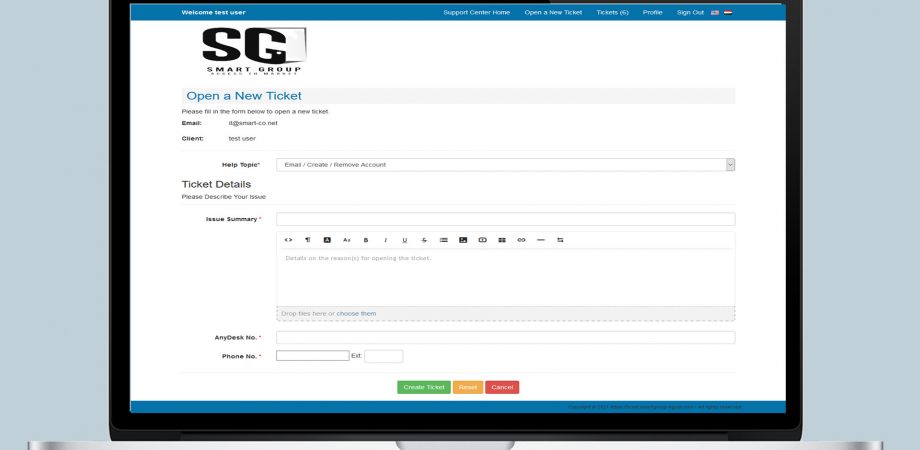
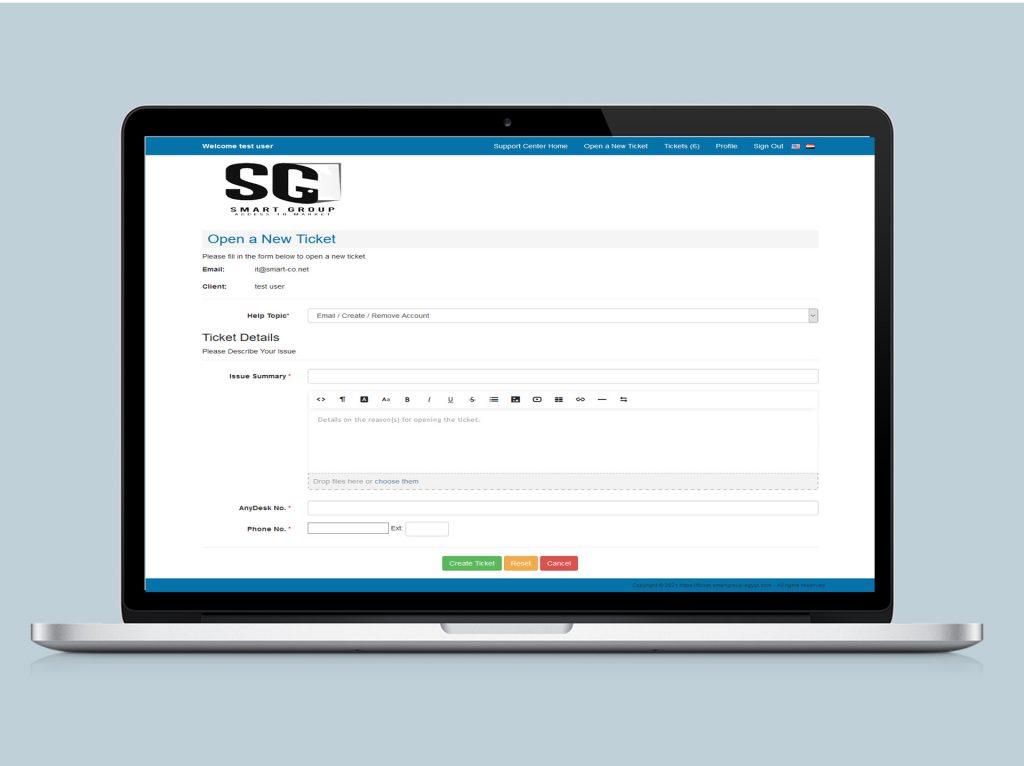
  • submit support tickets,
  • Choose the issue type for a prepared list.
  • View succeed message with the ticket ID.
  • view assigned staff profile,
  • View the SLA counter.
  • view ticket status,
  • Access knowledgebase.
  • Have an e-mail after submitting a ticket.
  • Have an e-mail after closing the ticket.
  • Confirm after closing the ticket

Staff Interface

The interface for the help desk staff to:

  • Login in with user-code and password
  • Recovery password.
  • submit support tickets,
  • Option for auto reload the dashboard
  • Organize open tickets, filter them with status, and search by some criteria.
  • organize and prioritize tickets,
  • view and respond to assigned tickets,
  • Create users and setting permissions.
  • customize settings and options,
  • Run reports as report by user, issue type, staff member, status, month or date range.
  • Display Summary Statistics for the tickets.
  • KPIs with prepared roles.
  • Save History of tickets and Filtering on it by (Status, Date, Requester, Task Owner, Issue Type).

× How can I help you?